

Latest Version
Alien Arena team - previously COR Entertainment
Games
Linux
Free
org.alienarena.alienarena
Report a Problem
More About Alien Arena
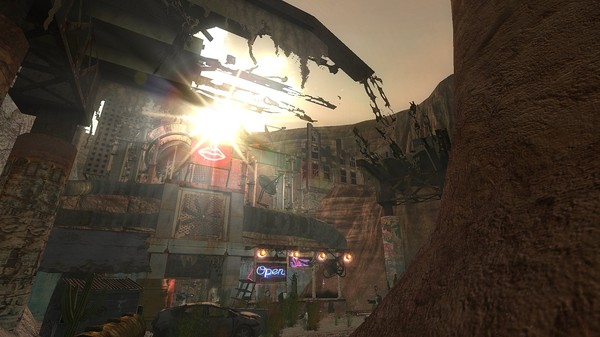
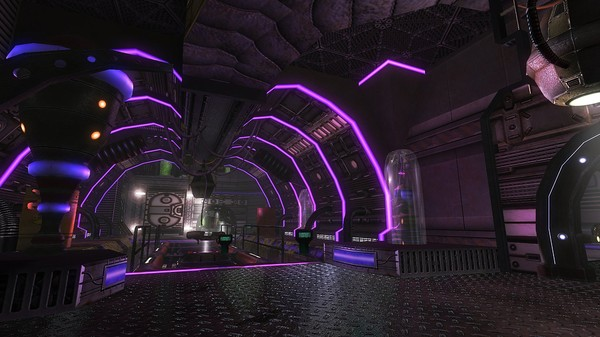
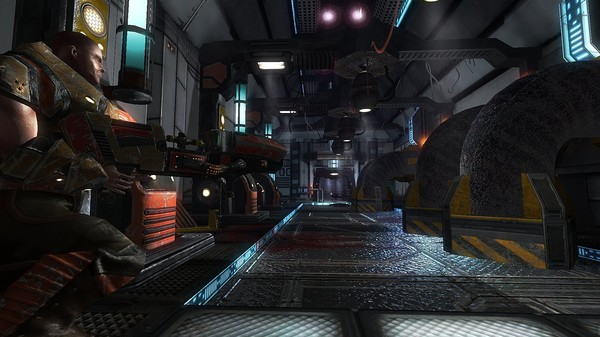
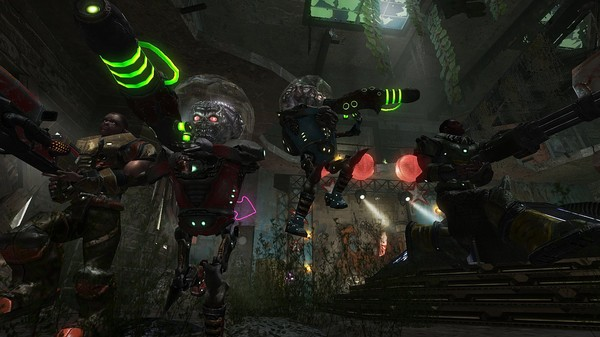
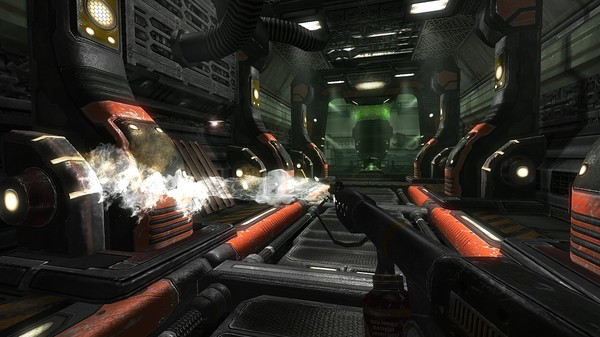
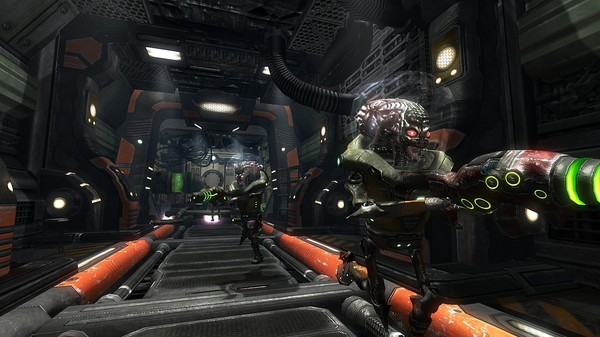
Stepping into the chaotic battlegrounds of Alien Arena feels like a glorious time machine ride back to the golden age of competitive shooters. This ultra-fast-paced arena FPS masterfully fuses the high-octane energy of late-90s classics like Quake III and Unreal Tournament with modern networking optimization and a quirky, vibrant retro sci-fi aesthetic. Developed by the Alien Arena team (previously COR Entertainment), this Linux-compatible title offers an adrenaline-fueled alternative for gamers who miss pure, skill-based movement and rapid-fire gunplay.
The Project 100 Performance Leap
One of the most impressive technical milestones of the game is its "Project 100" optimization framework. For competitive players, input lag and frame stuttering are the ultimate enemies. The developers have fine-tuned the engine to deliver remarkably fluid gameplay:
- 100 FPS Gameplay: Optimized to run smoothly at high frame rates to match modern displays.
- 100-Tick Servers: High-frequency server communication ensures that your shots register exactly when and where you fired them.
- 100 PPS Packet Rate: Enhanced network packet delivery minimizes desynchronization during intense firefights.
- Smart Lag Compensation: Improved server-side compensation makes matches fairer for low-ping players while maintaining a level playing field.
Diverse Match Modes and Offline Practice
Whether you want to test your reflexes against real opponents or hone your skills solo, the game offers versatile setups. The single-player menu allows you to practice demanding tactical modes without the pressure of live lobbies. You can jump into classic Capture the Flag (CTF) or Tactical scenarios, or experiment with specialized weapon mutators like Insta (one-shot kills) and Insta/Rockets for pure explosive chaos.
A Welcoming Community and Legacy Tech
It is worth noting that the game utilizes the legacy xorg windowing system, which allows robust support for joysticks and gamepads, though it may trigger modern system warnings. To find active matches, the community organizes daily CTF games on the AAOCS server, typically peaking between 19:00 UTC and 23:00 UTC. The dedicated player base coordinates matches and provides support via Discord, Matrix, and IRC.
Who is this Arena Shooter For?
If you have a fondness for colorful, arcade-like atmospheres, fast movement, and retro alien designs, this title is a must-try. It strips away the modern bloat of loadouts and progression systems, replacing them with pure, skill-based pickup control and map knowledge.
Ready to join the intergalactic carnage? Head over to the official Flathub store page to explore more details and find out how to get started on your Linux system.
Rate the App
User Reviews








Popular Apps









Editor's Choice