
Latest Version
JakobDev
Games
Linux
Free
page.codeberg.JakobDev.jdMinecraftLauncher
Report a Problem
More About jdMinecraftLauncher
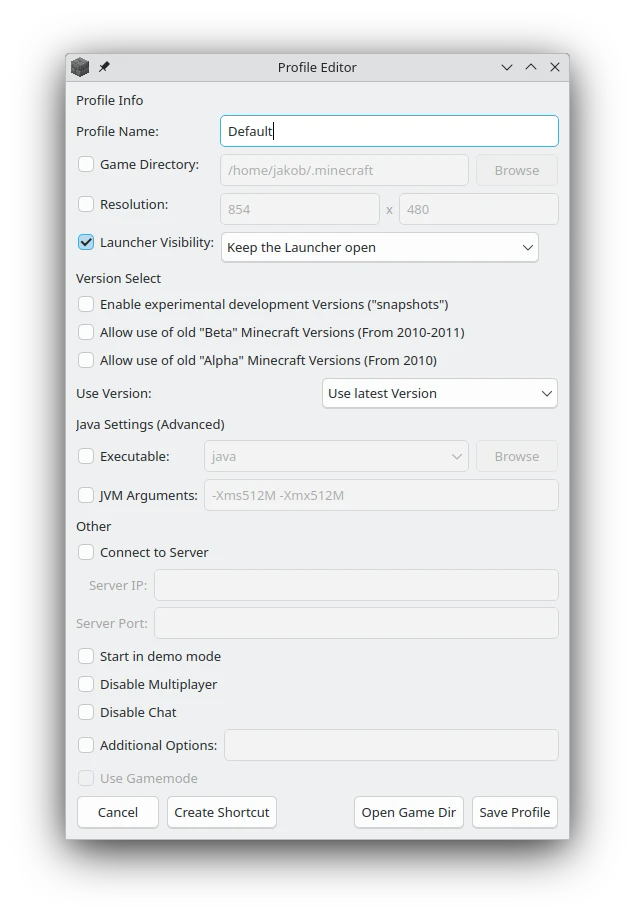
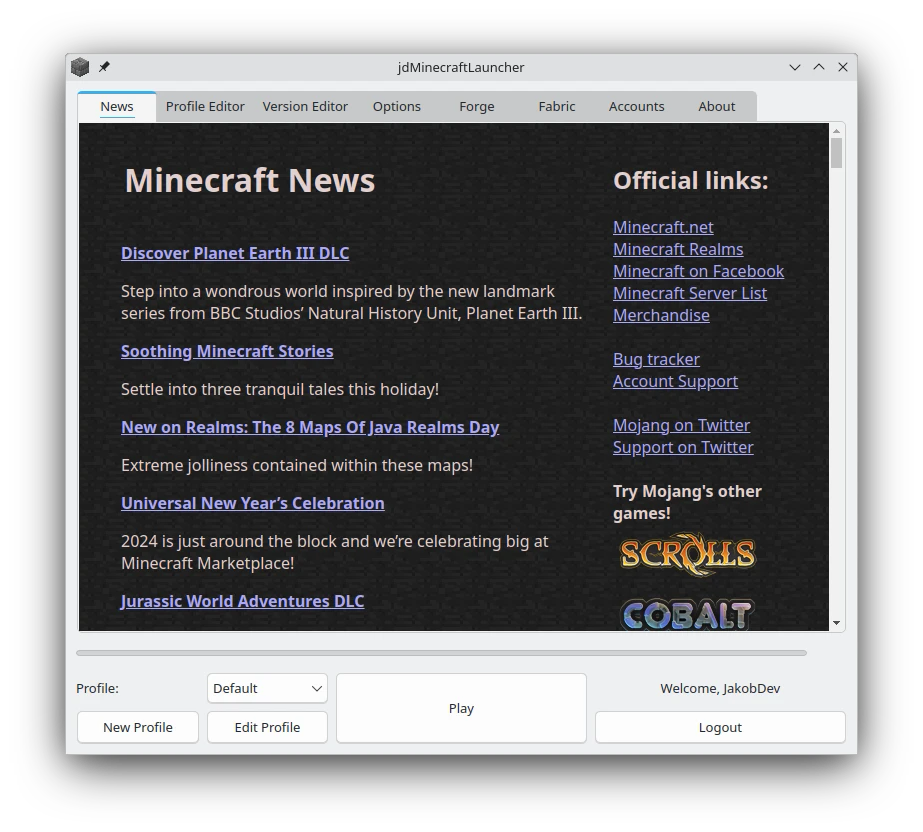
Finding a reliable and lightweight Minecraft launcher can transform how you access your favorite blocky worlds, especially on open-source platforms. The jdMinecraftLauncher Linux tool is a dedicated utility developed by JakobDev that brings back the clean, familiar aesthetic of the classic official launcher while packing modern under-the-hood capabilities.
What is the jdMinecraftLauncher Linux Tool?
Designed specifically for the Linux platform, this unofficial launcher bridges the gap between nostalgic design and modern functionality. If you prefer the straightforward, no-nonsense layouts of older launcher versions but still want compatibility with the latest game updates, this tool offers an ideal balance. It is important to note that you will need a valid Microsoft Account that owns Minecraft to utilize this software, as it respects official authentication channels.
Key Features and Capabilities
Despite its lightweight appearance, the jdMinecraftLauncher Linux tool is packed with advanced features tailored for both casual players and power users:
- Comprehensive Version Support: All official versions of Minecraft are supported, allowing you to jump into the latest release or revisit classic builds.
- One-Click Modding Integration: Easily install popular modding API frameworks including Forge, NeoForge, Fabric, and Quilt with a single click.
- Offline Mode: Once you complete your initial online login, you can launch and play the game offline anytime.
- System Integration: The launcher integrates seamlessly with Linux desktop environments, offering support for GNOME Search, KRunner, and FeralInteractive GameMode for optimized gaming performance.
- Developer-Friendly Options: Includes command-line arguments and a D-Bus interface for custom scripting and automation.
- Smooth Migration: You can import your existing profiles directly from the vanilla Minecraft launcher without losing your settings.
- Modrinth Pack Support: Install Modrinth modpacks (.mrpack format) directly through the interface.
Who is This Launcher For?
This utility is perfect for Linux gamers who appreciate system integration and a clean interface. Whether you want to quickly spin up a heavily modded instance using Fabric or NeoForge, or simply prefer a desktop shortcut that launches you straight into the game, this tool simplifies the entire process. It eliminates the bloat found in many modern third-party launchers while retaining the advanced features that modern modding demands.
Get Started with jdMinecraftLauncher
If you are looking for a reliable, classic-style gateway to your Minecraft adventures on Linux, this fan-made project is highly worth exploring. You can learn more about its features and find links to its official distribution page on Flathub by visiting the official jdMinecraftLauncher Flathub page.
Rate the App
User Reviews









Popular Apps








Editor's Choice